Verification
Documents may be required.

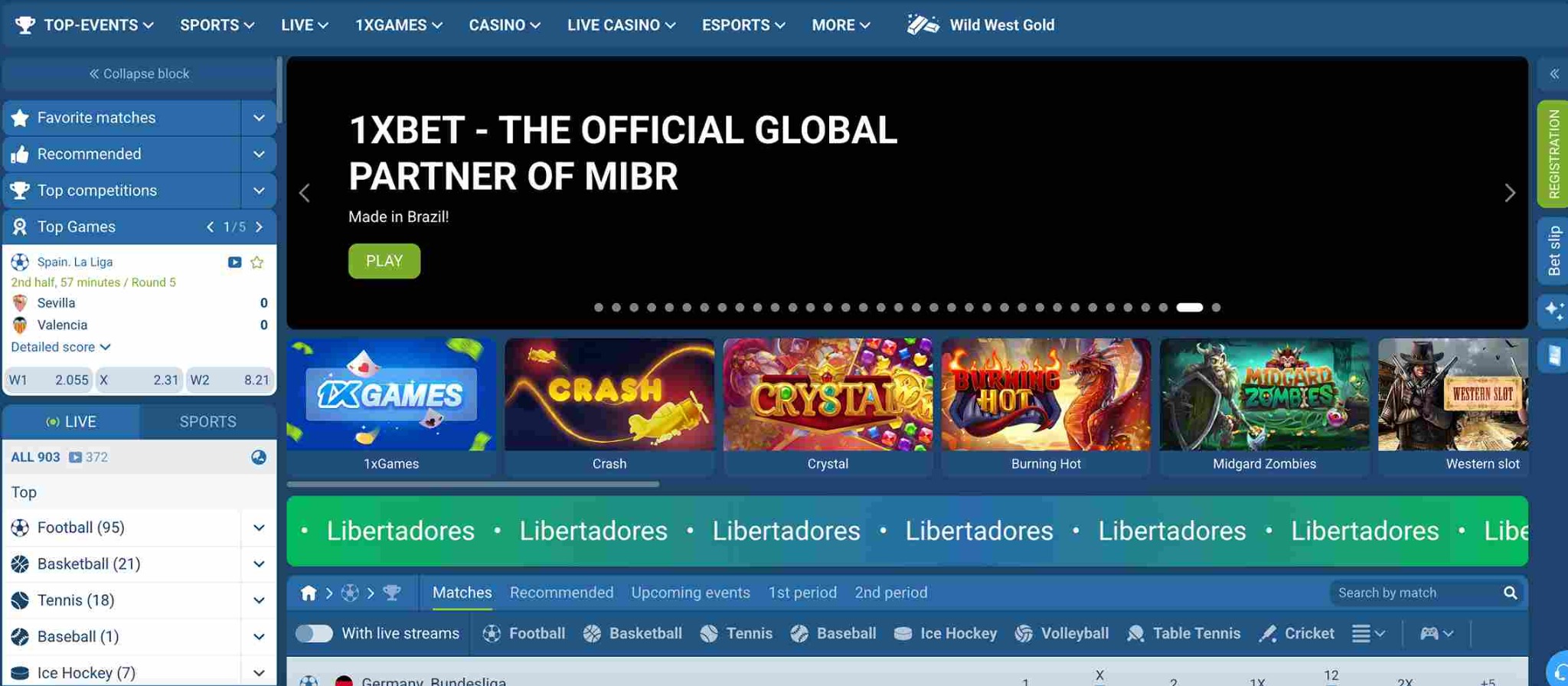
1xBet in English
Check the payment method, account currency, limits, expected processing time and security requirements before every transaction.
Open the cashier after signing in and choose a method displayed there. Check currency, minimum and maximum amount, processing time and any fee before confirming.
Use only options displayed in the account.
Stay within the shown limits.
Check currency and possible fees.
Keep the transaction reference.
Verification, payment method and account status may affect processing. Read the information shown before submitting the request.
Documents may be required.
Availability depends on account and currency.
Review the displayed estimate.
Retain the reference number.
Never disclose verification codes, card security codes or passwords. Close any page asking for payment to a private individual.
Adults only. Gambling can cause financial harm and addiction. Set firm time and spending limits, never chase losses and stop if betting is no longer entertainment.
Before continuing
Sports betting, live events, casino, apps, promotions and account tools.
The methods displayed in the cashier for the account, location and currency.
It can confirm identity and protect the account.
Timing depends on the payment method and necessary checks.
Check the displayed timeframe and contact support with the reference.